Midiboard

Your phone, as the controller you actually wanted.

Midiboard turns an iPhone into a Bluetooth MIDI controller you lay out yourself — pads, keys, chords, wheels, XY pads and faders, arranged on screens you build and flip between mid-set. Every other phone controller hands you someone else's idea of a surface. This one hands you the grid.

Get it on the App Store See how it connects

iPhone · landscape · Bluetooth LE MIDI · no cable, no dongle, no account

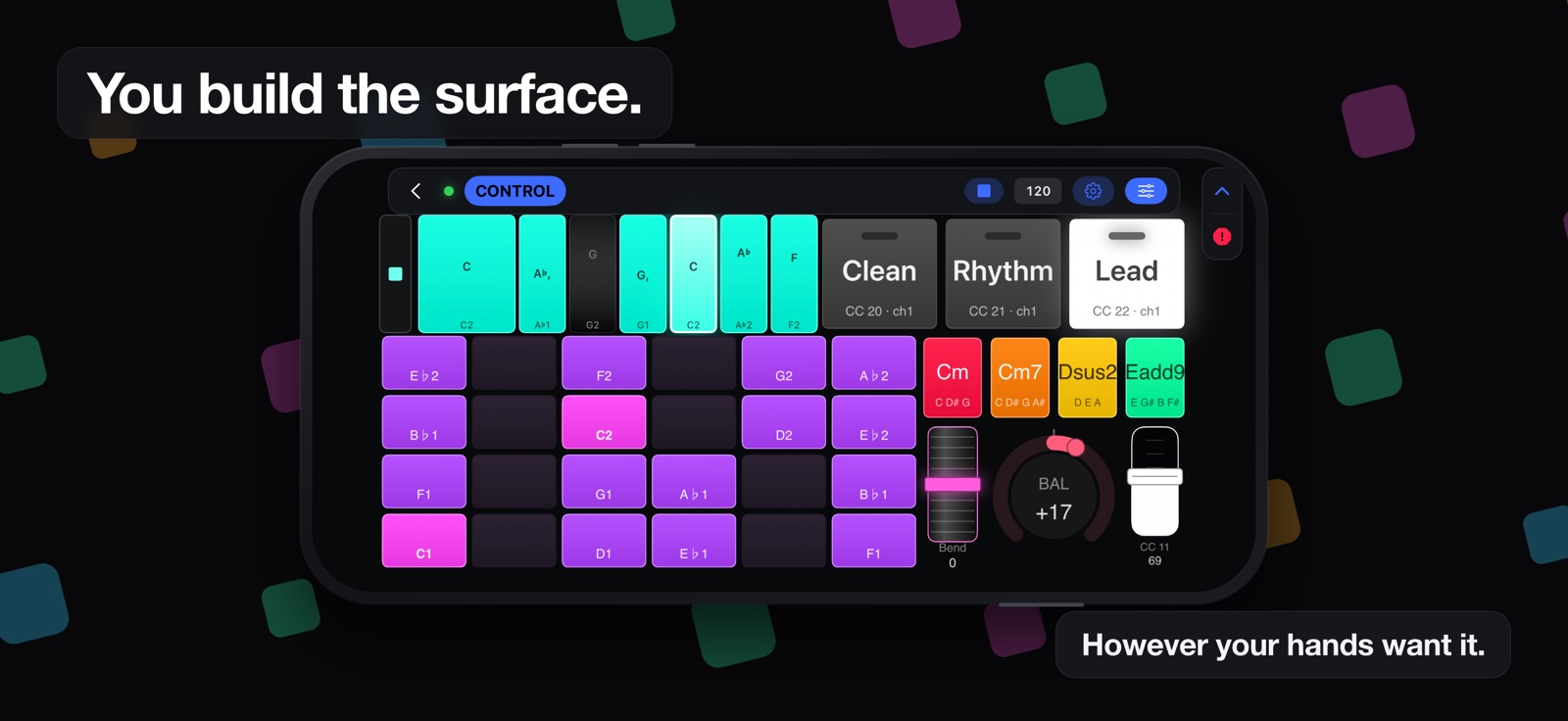
A Midiboard page in a phone, headed “You build the surface”: a step sequencer, a pad bank in a key, three footswitches named Clean, Rhythm and Lead, chord buttons, a bend fader and a balance knob reading +17.
One page. Everything on it was placed by hand, and none of it had to be there.

You build the surface.

Drop a widget on the grid, drag it where your hand goes, size it to the reach you actually have. Save the screen. Build the next one. A set is a handful of screens and one tap between them — not a menu you go hunting through while the song is running.

Pad grids

Any size. Rows can count chromatically, or step in fourths, fifths, thirds or octaves — a grid tuned in fourths keeps every chord shape the same wherever you move it.

Keyboards

A piano roll of any span, starting on any note. Slide between keys for a glissando; the black and white pattern stays put when you transpose, the way hardware does.

Chord buttons

Write the notes yourself. C, E, G♯, D is as valid as a minor triad. Transpose and the whole voicing moves with it — the shapes worth a button are usually the ones with no name.

Wheels, faders, XY

Pitch and mod wheels shaped like the ones next to your keyboard, 270° arcs, endless rotaries, faders and two-axis pads. Spring back to centre or hold where you left them.

Footswitch banks

A row of switches on one channel, numbered in order, with exactly one lamp lit. Press one and the last goes out — so a glance tells you which preset you are on, not which one you just pressed.

Transpose, per group

Tag a widget to a group and give that group its own −/+ control. A bass bank and a lead keyboard on the same page move independently, and one tap puts either back to zero.

Keys and scales

Set the key per widget. Notes outside it either dim and lose their labels — still playable, just no longer shouting — or snap to the nearest note inside it, so nothing wrong can be hit.
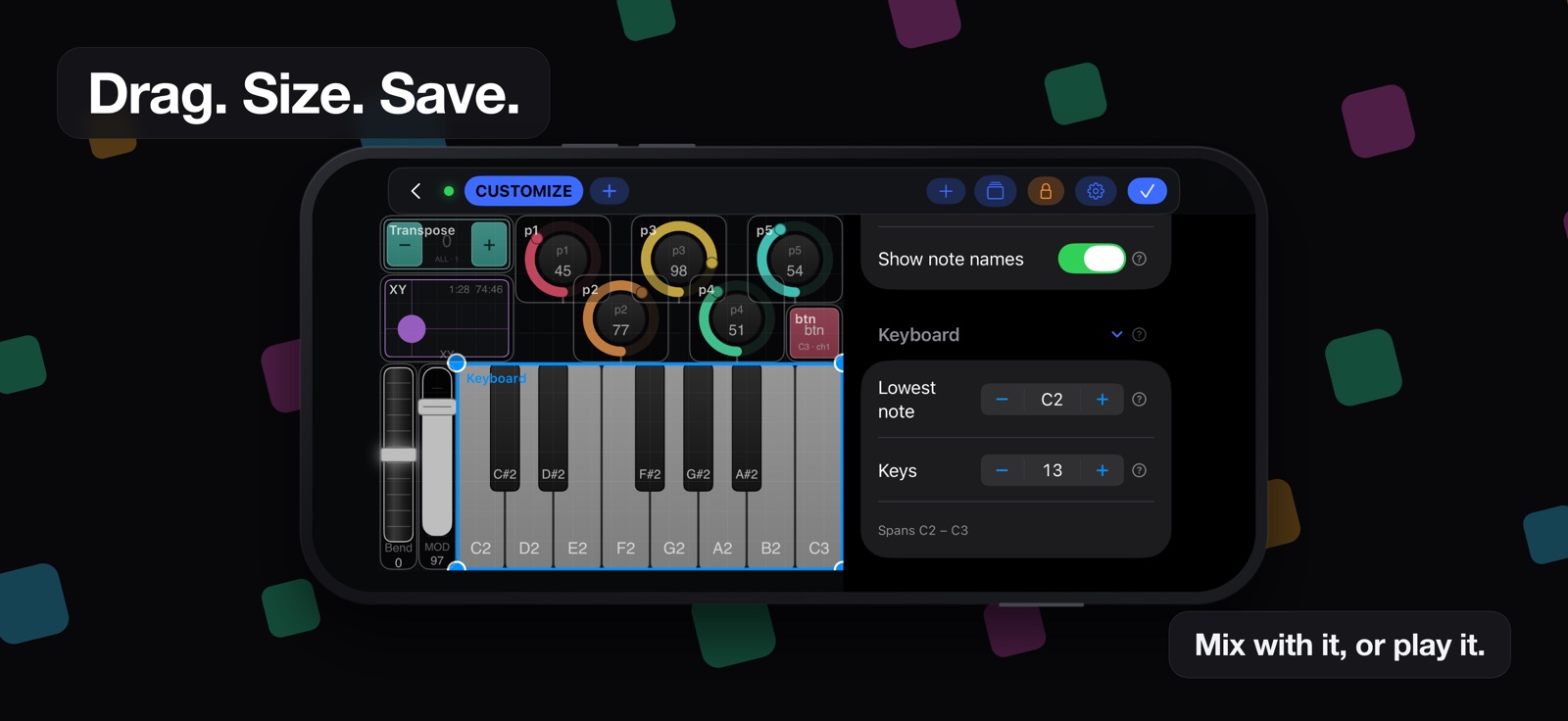
The Midiboard layout editor, headed “Drag. Size. Save.”: a keyboard selected with resize handles, rings and an XY pad above it, and the inspector open down the right showing the Widget section and the Keyboard section with its lowest note and key count.
The editor. Grab a corner, drag it to the size your hand actually reaches.

Then it gets out of the way.

A controller is only as good as the things it does not do to you halfway through a song. Most of the work here went into the failure cases.

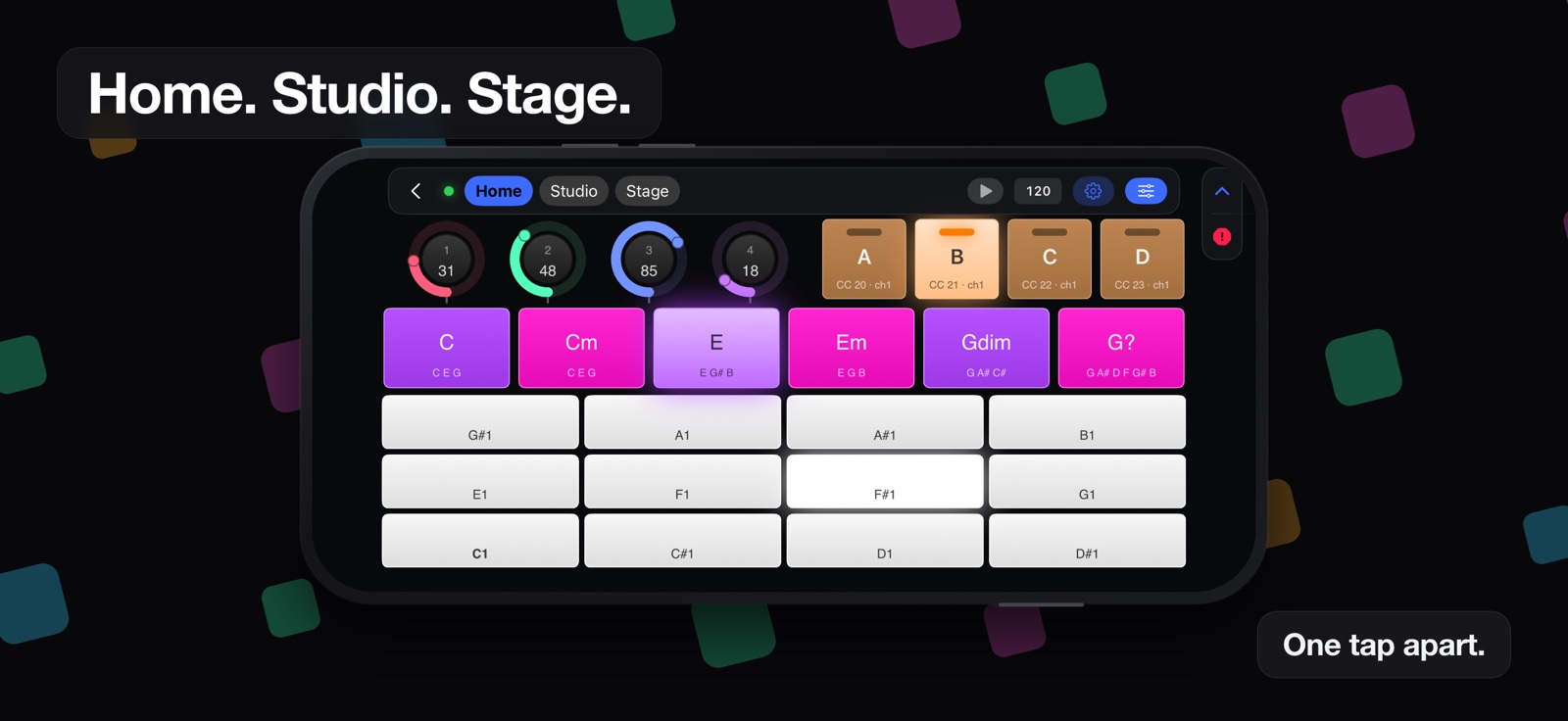
A Midiboard performance page headed “Home. Studio. Stage.”, with those three pages in the strip along the top, four rings, four footswitches, a row of chord buttons and a bank of pale note pads.
Three pages, one tap apart. Nobody is going to name them Page 1, Page 2 and Page 3.
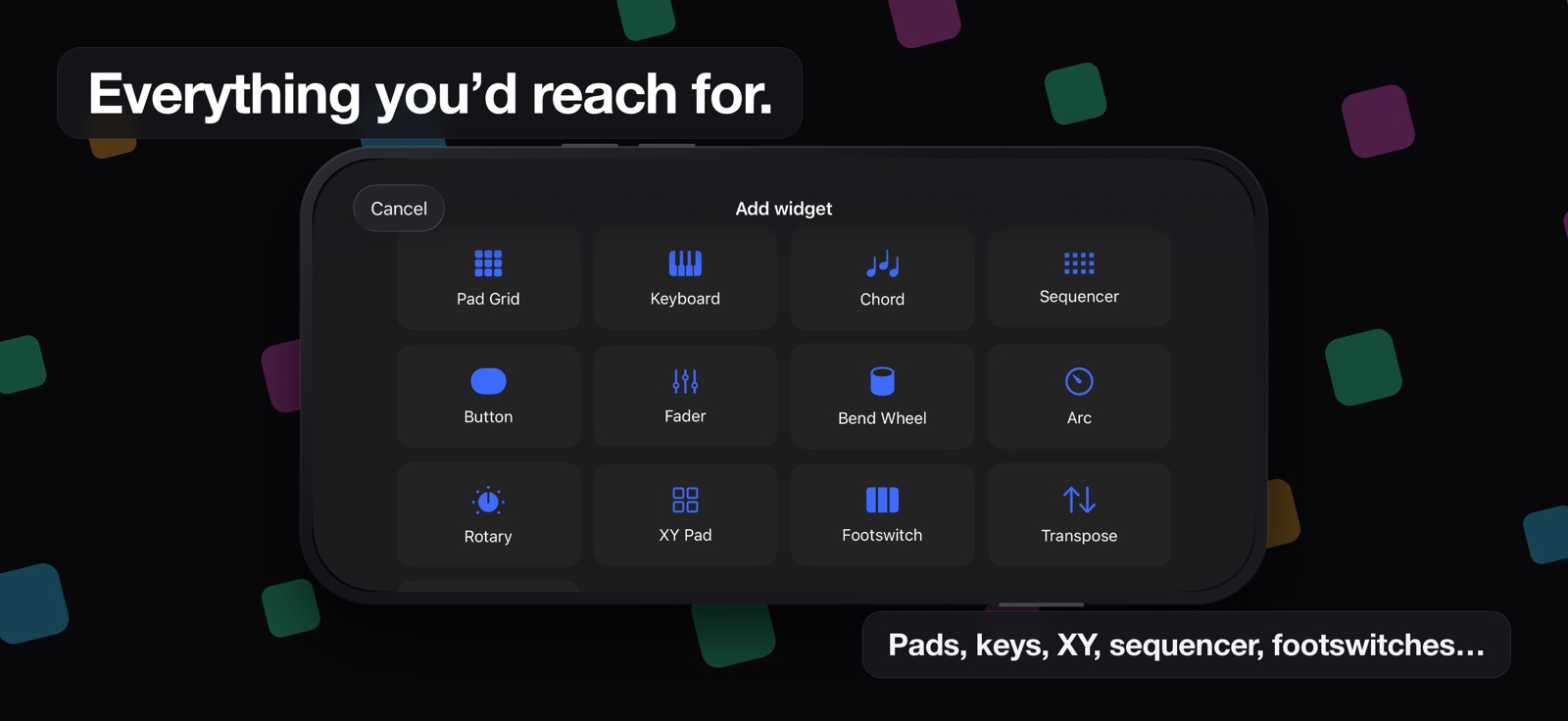
The Add widget palette, headed “Everything you’d reach for”: pad grid, keyboard, chord, sequencer, button, fader, bend wheel, arc, rotary, XY pad, footswitch and transpose.
Every kind of control there is. Drop one on the grid and it is yours to place.

It fits the rig you already have.

Midiboard advertises itself over Bluetooth LE MIDI under a name you choose — so it shows up as Midiboard in the list, not as "iPhone". From there it is an ordinary MIDI source.

Midiboard → Bluetooth LE MIDI → your computer any MIDI software
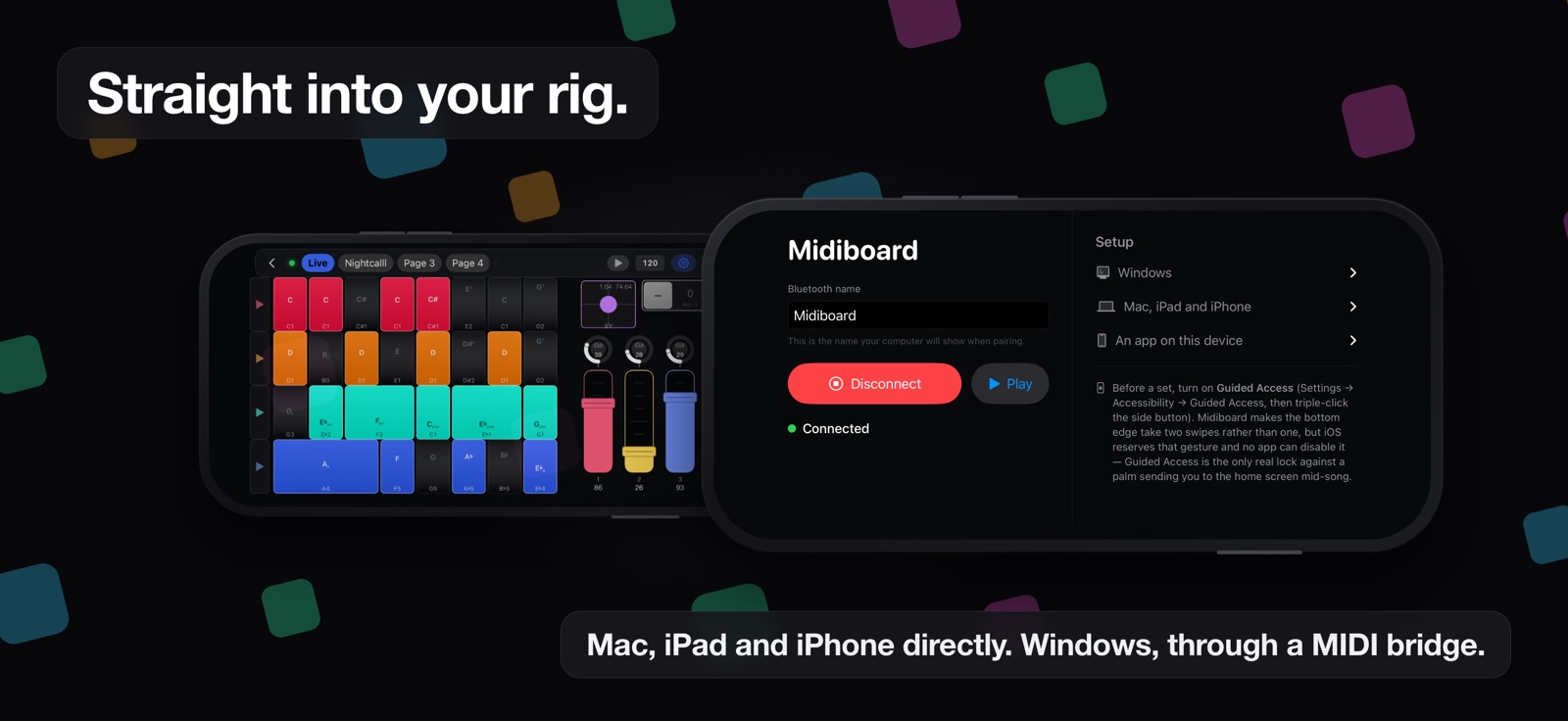
Two phones, headed “Straight into your rig”: behind, a full performance page; in front, the connection screen showing the Bluetooth name, a Disconnect button, a green Connected line, and setup instructions for Windows, for Mac, iPad and iPhone, and for an app on this device.
The screen the app opens on. It says which of the two ends is the one still to do.